目次
vue-swipe-buttonとは
vue-swipe-buttonは、スマホみたいにスワイプするスイッチを実装できるコンポーネントライブラリです。
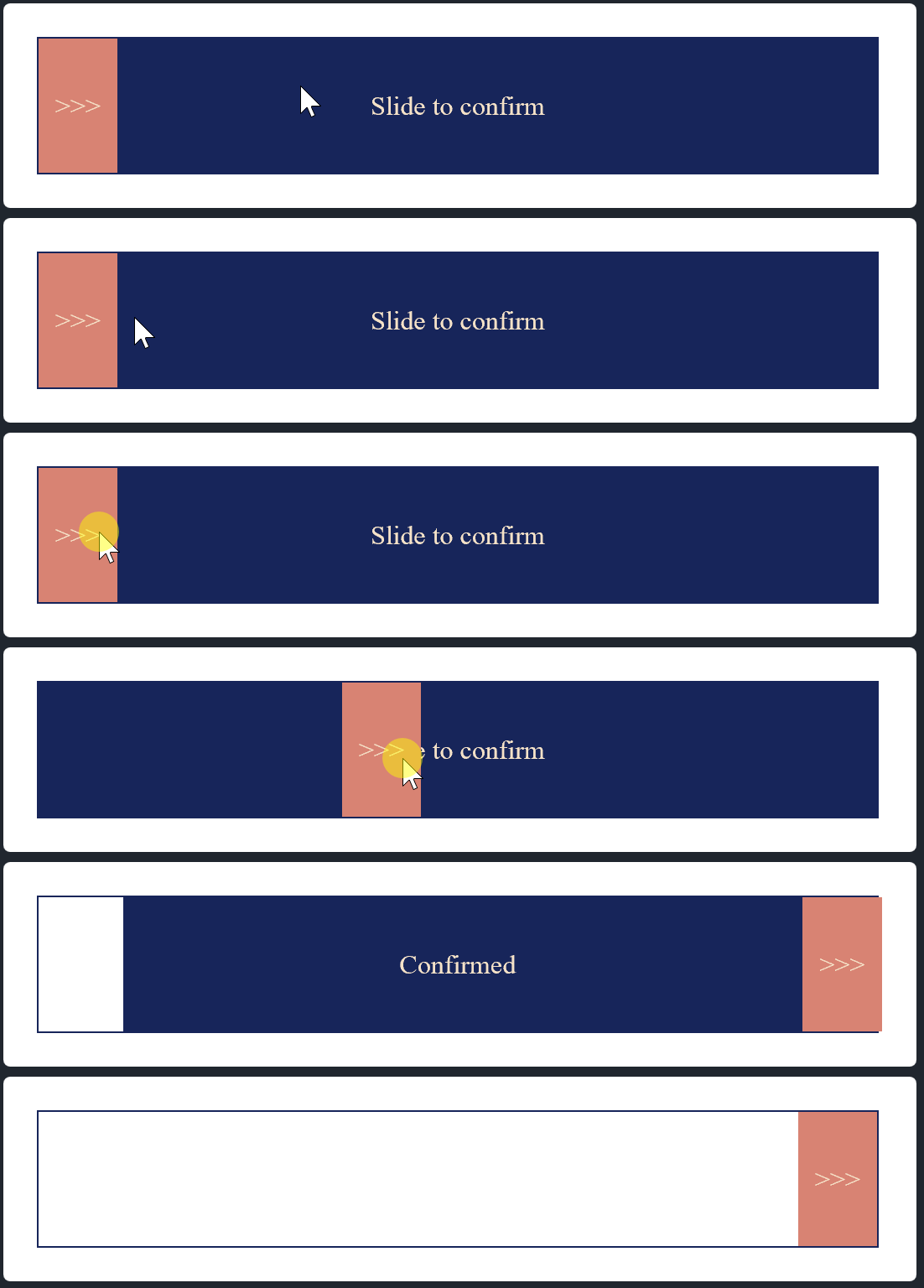
インストール
以下のnpm、CDNを使ってインストールします。
npm
npm install --save vue-swipe-button
CDN
<link rel="stylesheet" href="https://cdn.jsdelivr.net/npm/[email protected]/dist/swipeButton.css">
<script src="https://cdn.jsdelivr.net/npm/[email protected]/dist/swipeButton.umd.min.js"></script>
gitリポジトリは以下から取得できます。
https://github.com/tran2/vue-swipe-button
導入手順
1. ライブラリの取り込み
(1)webpack等の場合 [注意]モジュール版は未検証です。
import SwipeButton from 'vue-swipe-button'
import 'vue-swipe-button/dist/swipeButton.css'
(2)WEBページの場合
const SwipeButton = window['swipeButton'];
2.メソッドを設定
vue-swipe-button は、カスタムイベントを使用するのですが、イベント名がキャメルケースになっているため、HTMLへのベタ書きの場合は使用できません。
そのため一度別のコンポーネントに取り込みます。
Vue.component で swipe-button というコンポーネントを作成します。
そこに上記で取得した SwipeButton を読み込ませます。
Vue.component('swipe-button', {
  template: '#swipe-button',
  components: {
    SwipeButton
  },
  methods: {
    onActionConfirmed:function() {
      let self = this;
      setTimeout(function(){
        self.$refs.swipeButton.reset();
      }, 1000);
    },
  }
});

let app = new Vue({ el: '#app', });
3. テンプレートを準備
上記で作成した swipe-button コンポーネントを設定します。
vue-swipe-button のコンポーネントは <script> で囲みます。
<div id="app">
  <script type="text/x-template" id="swipe-button">
      <SwipeButton
        ref="swipeButton"
        class="swipe-button"
        @actionConfirmed="onActionConfirmed"
      />
  </script>
  <swipe-button></swipe-button>
</div>
4. スタイルを適用
外部CSSを読み込んだだけだと上手いこと表示されてくれないので、下記のスタイルを適用します。
.swipe-button {
  width: 500px;
  background-color: #17255A;
  border: 1px solid #17255A;
}
サンプル
さいごに
スマホみたいにスワイプするスイッチを実装できるコンポーネントライブラリでした。
今日はこの辺でー
