目次
vue-notification-bellとは
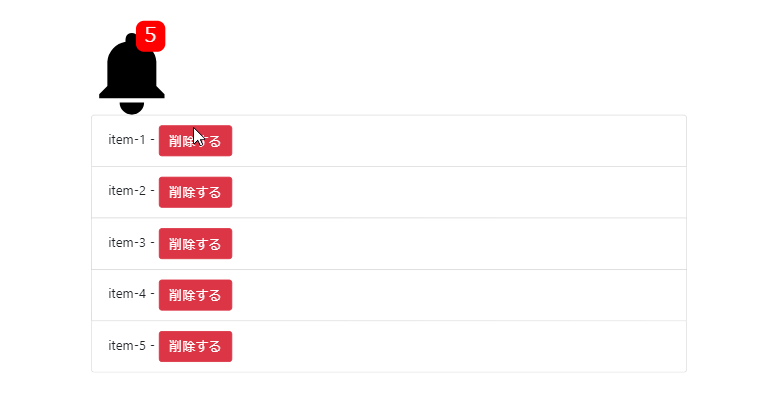
vue-notification-bellは、スマホのアプリみたいに通知の数を表示することができるコンポーネントライブラリです。
通知のサイズを変えたり、通知が大量に溜まった場合は「50+」みたいな表記にすることも可能です。
環境
| Vue | 2.6.10 |
| vue-notification-bell | 0.8.14 |
インストール
以下のnpm、CDNを使ってインストールします。
npm
npm install vue-notification-bell --save
CDN
<script src="https://cdn.jsdelivr.net/npm/[email protected]/dist/NotificationBell.umd.min.js"></script>
gitリポジトリは以下から取得できます。
https://github.com/mrastiak/vue-notification-bell
導入手順
1. ライブラリの取り込み
(1)webpack等の場合 [注意]モジュール版は未検証です。
import NotificationBell from 'vue-notification-bell'
(2)WEBページの場合
const NotificationBell = window['NotificationBell'].default;
2.メソッドを設定
上記で取得したNotificationBell をcomponentsに取り込みます。
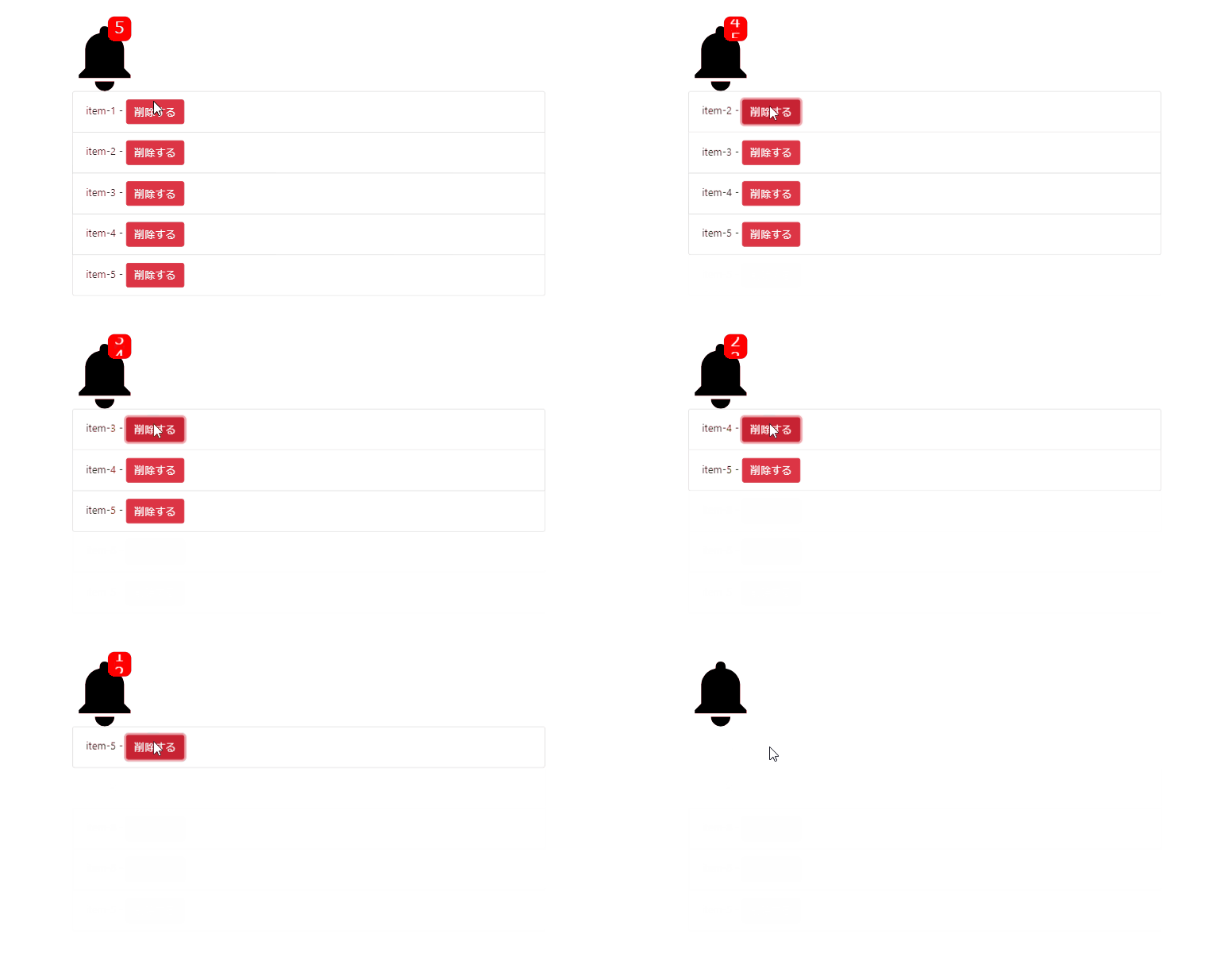
カウント数が動的に変化することを確認できるようにサンプルには、deleteItemでリストの削除機能を持たせます。
new Vue({
  el: '#app',
  components: {
    'notification-bell':NotificationBell
  },
  data: {
    list: [
      {no:1},
      {no:2},
      {no:3},
      {no:4},
      {no:5},
    ]
  },
  methods: {
    deleteItem: function(index){
      this.list.splice(index, 1);
    }
  }
});
3. テンプレートを準備
<notification-bell> を設置します。
ベルのアイコンのサイズやカウント数や今回はアニメーションをプロパティに設定します。
プロパティの説明はこちらを参照
[注意] サンプルはケバブケースで記載しています。
<div id="app">
  <notification-bell
    :size="100"
    :count="list.length"
    upper-limit="50"
    counter-location="upperRight"
    counter-style="roundRectangle"
    counter-background-color="#FF0000"
    counter-text-color="#FFFFFF"
    icon-color="#000000"
    font-size="25px"
    :animated="true"
  ></notification-bell>
  <ul class="list-group">
    <li class="list-group-item" v-for="(item, index) in list" :key="index">{{'item-'+item.no}} - <button class="btn btn-danger" type="button" @click="deleteItem(index)">削除する</button></li>
  </ul>
</div>
サンプル
さいごに
スマホのアプリみたいに通知の数を表示することができるコンポーネントライブラリでした。
今日はこの辺でー
