目次
Vue-multiselectとは
「Vue-multiselect」は、Vue.js 2.0のための最も完全な選択ソリューションらしいです(公式談。
シングルセレクト、複数選択、タグ付け、ドロップダウン、フィルタリングなどを実装することができます。
インストール
以下のnpm、CDNを使ってインストールします。
npm
npm install vue-multiselect --save
CDN
<script src="https://unpkg.com/[email protected]"></script>
<link rel="stylesheet" href="https://unpkg.com/[email protected]/dist/vue-multiselect.min.css">
gitリポジトリは以下から取得できます。
https://github.com/shentao/vue-multiselect
導入手順
基本的な単一の選択/ドロップダウンを実装します。
1. ライブラリの取り込み
webpack等の場合 ※モジュール版は未検証です。
import Multiselect from 'vue-multiselect'
Vue.component('multiselect', Multiselect)
WEBページの場合
Vue.component('multiselect', window.VueMultiselect.default)
2.selectの値を設定
new Vue({
  el: "#app",
  data: {
    selected: null,
    options: ['list', 'of', 'options']
  },
})
3. テンプレートを準備
<div id="app">
  <multiselect
    v-model="selected"
    :options="options"
    :searchable="false"
    :close-on-select="false"
    :allow-empty="false"
    placeholder="通常セレクタ">
  </multiselect>
</div>
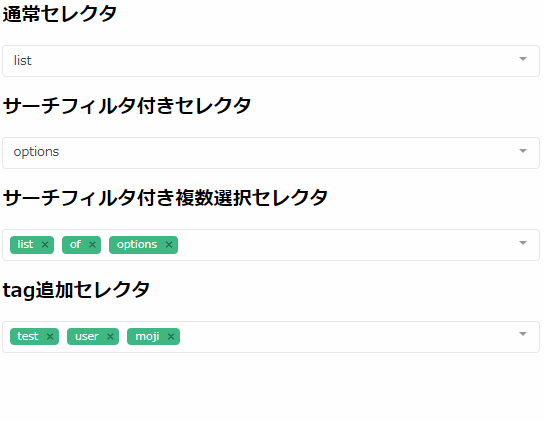
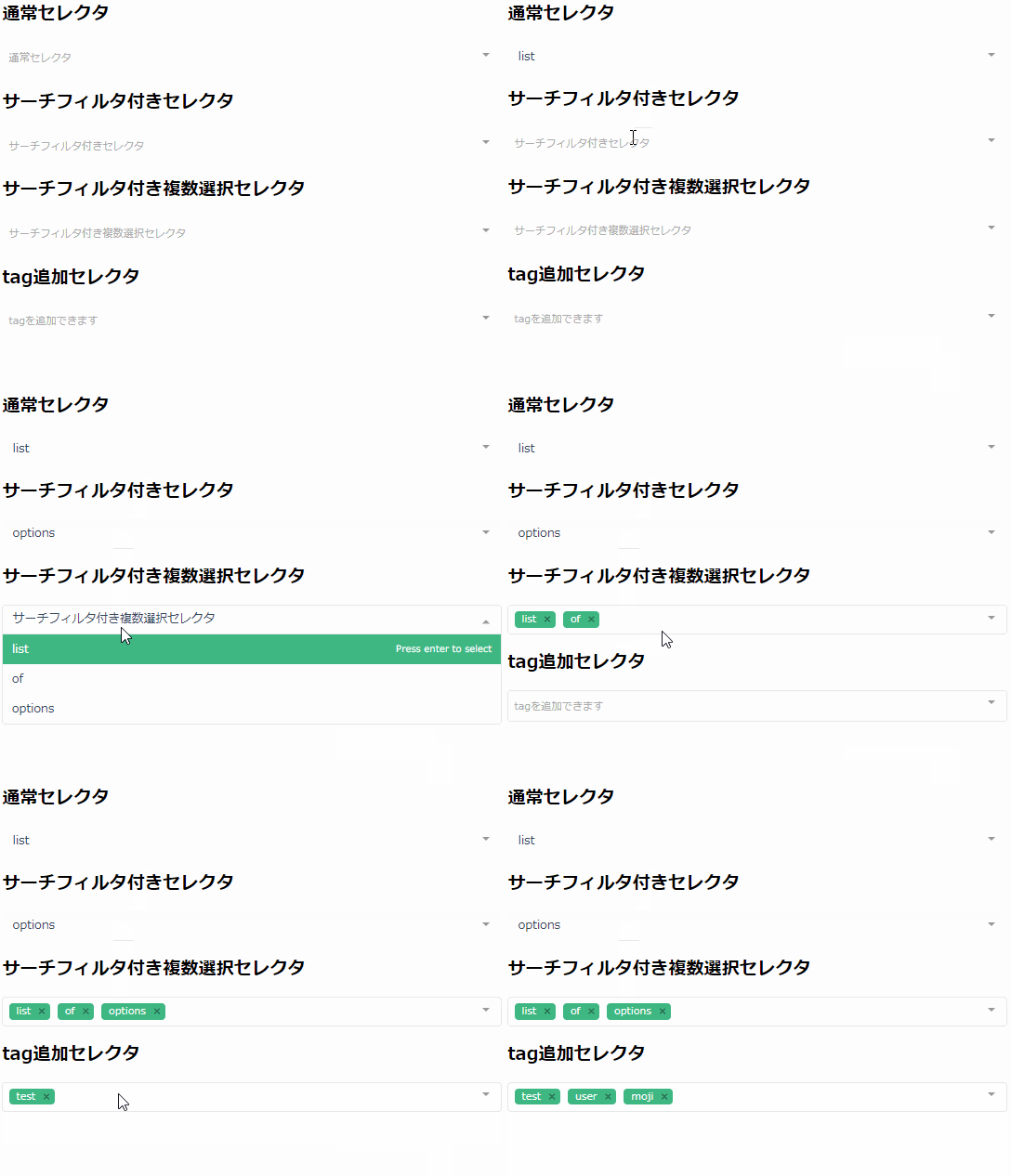
サンプル
サーチ機能付き選択
基本的な選択/ドロップダウンにテキスト検索機能を実装します。
<multiselect
    v-model="selected2"
    :options="options"
    :close-on-select="true"
    :clear-on-select="false"
    placeholder="サーチ付きセレクタ">
</multiselect>
複数選択
選択/ドロップダウンを複数選択できるようにします。
<multiselect
    v-model="selected3"
    :options="options"
    :multiple="true"
    :close-on-select="true"
    placeholder="複数選択セレクタ">
</multiselect>
タグ付け
選択/ドロップダウンにテキストで入力してタグ付けすることができます。
  <multiselect
    v-model="taggingSelected"
    :options="taggingOptions"
    :multiple="true"
    :taggable="true"
    label="name"
    track-by="code"
    @tag="addTag"
    tag-placeholder="Add this as new tag"
    placeholder="tag付け">
  </multiselect>
new Vue({
  el: "#app",
  data: {
    taggingOptions: [],
    taggingSelected: [],
  },
  methods: {
    addTag: function(newTag) {
      const tag = {
        name: newTag,
        code: newTag.substring(0, 2) + Math.floor((Math.random() * 10000000))
      }
      this.taggingOptions.push(tag)
      this.taggingSelected.push(tag)
    },
  }
})
まとめ
シングルセレクト、複数選択、タグ付け、ドロップダウン、フィルタリングが実装できるライブラリでした。
実装がお手軽で使い易いなあという印象です。
1つ注意点としては、selectタグを操作している訳では無いので、POST値で飛ばす時にはinput=hiddonなどにデータを持たせる必要があります。
今日はこの辺でー
