
目次
vue-loading-buttonとは
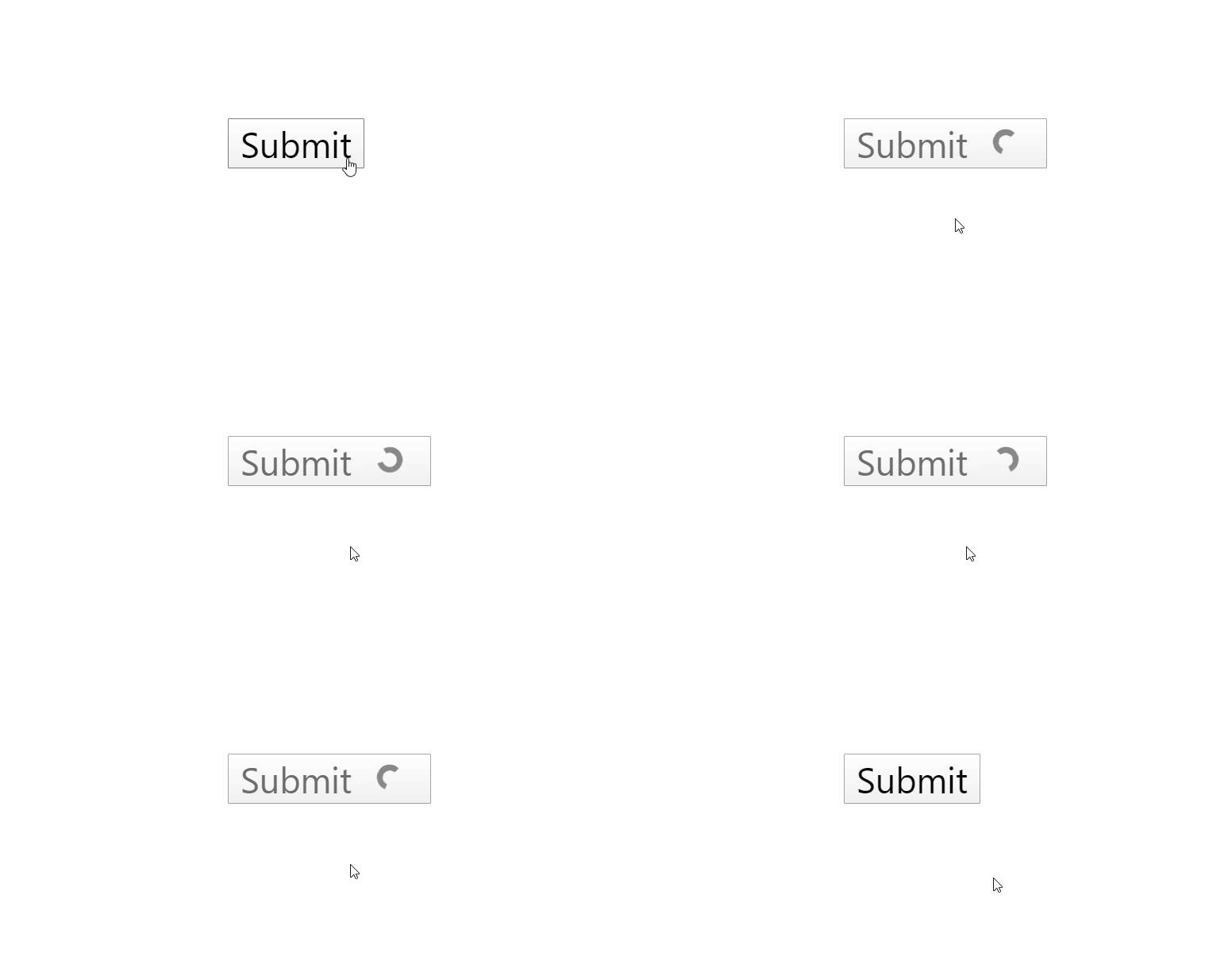
vue-loading-buttonは、スライドアウトのロード付きボタンを実装するコンポーネントライブラリです。
環境
| Vue | 2.6.10 |
| vue-loading-button | 0.2.0 |
インストール
以下のnpm、yarn、CDNを使ってインストールします。
npm
npm i vue-loading-button
yarn
yarn add vue-loading-button
CDN
<script src="https://cdn.jsdelivr.net/npm/[email protected]/dist/vue-loading-button.umd.js"></script>
gitリポジトリは以下から取得できます。
https://github.com/shwilliam/vue-loading-button
導入手順
1. ライブラリの取り込み
(1)ES6等の場合 [注意]モジュール版は未検証です。
import VueLoadingButton from 'vue-loading-button'
(2)CDNの場合
const VueLoadingButton = window['VueLoadingButton'].default;
2.メソッドを設定
上記で取得したVueLoadingButtonを components に取り込みます。
new Vue({
  el: '#app',
  components: {
    VueLoadingButton,
  },
  data: {
    isLoading: false,
    isStyled: false
  },
  methods: {
    handleClick:function() {
      let self = this;
      this.isLoading = true;
      setTimeout(function(){
        self.isLoading = false;
      }, 3000);
    }
  }
});
3. テンプレートを準備
<vue-loading-button> を設置します。
[注意] サンプルはケバブケースで記載しています。
<div id="app">
  <vue-loading-button
    class="button"
    @click.native="handleClick"
    :loading="isLoading"
    :styled="isStyled"
  ></vue-loading-button>
</div>
サンプル
さいごに
スライドアウトのロード付きボタンを実装するコンポーネントライブラリです。
今日はこの辺でー
